 Session Vault
Open the site
Click a tab like mail.google.com, then open Session Vault from the toolbar.
Chrome extension
Session Vault keeps personal, work, and client accounts apart in different tabs. Same site in the address bar. Different cookie jars. Nothing leaves this browser.
Session Buddy stores windows. This isolates accounts.
One Chrome. Named sessions on the site you already opened.
If isolation cannot be proven, the tab stays logged out.
No cloud account. No telemetry. Export only if you choose.
How it works
Chrome shares cookies across every tab of a site. Session Vault binds a tab to a session, then serves that session’s cookies on the wire and in the page.
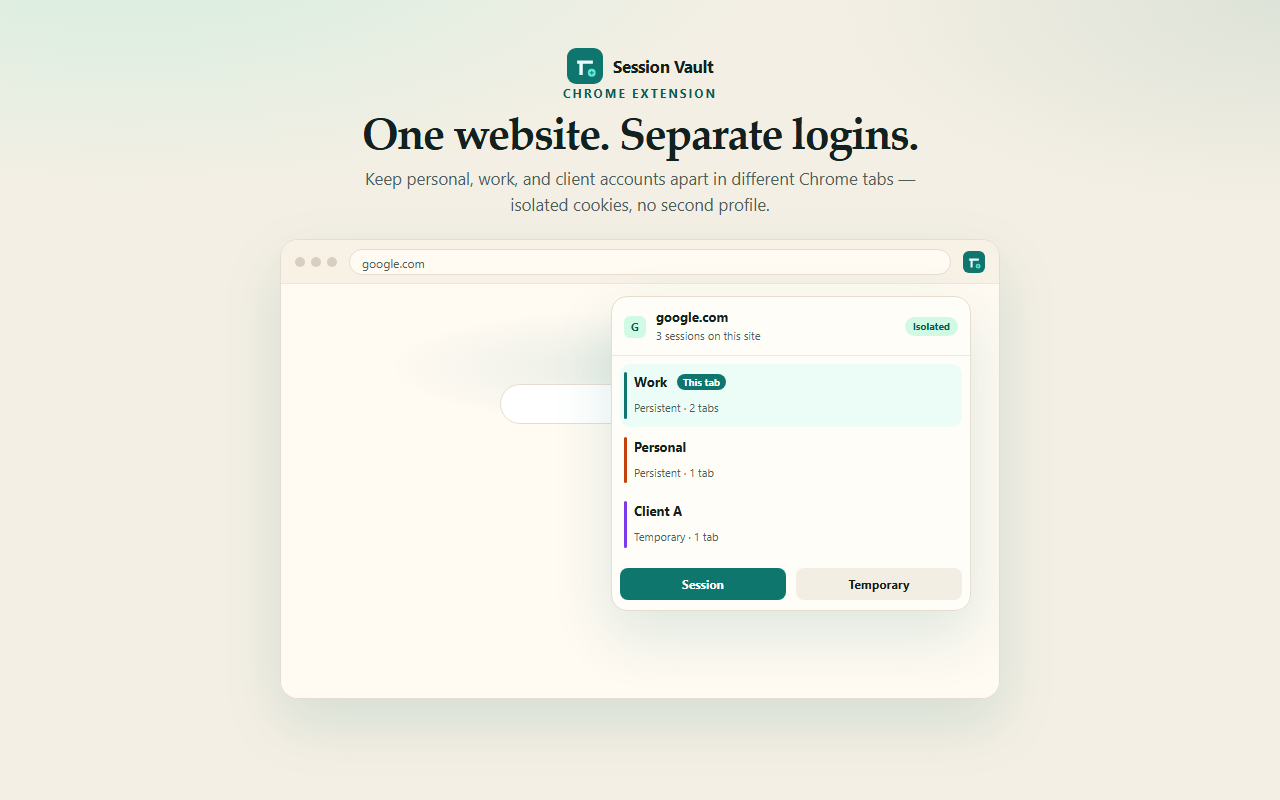
Click a tab like mail.google.com, then open Session Vault from the toolbar.
A new tab of that site opens, logged out. Sign in as work, personal, or a client.
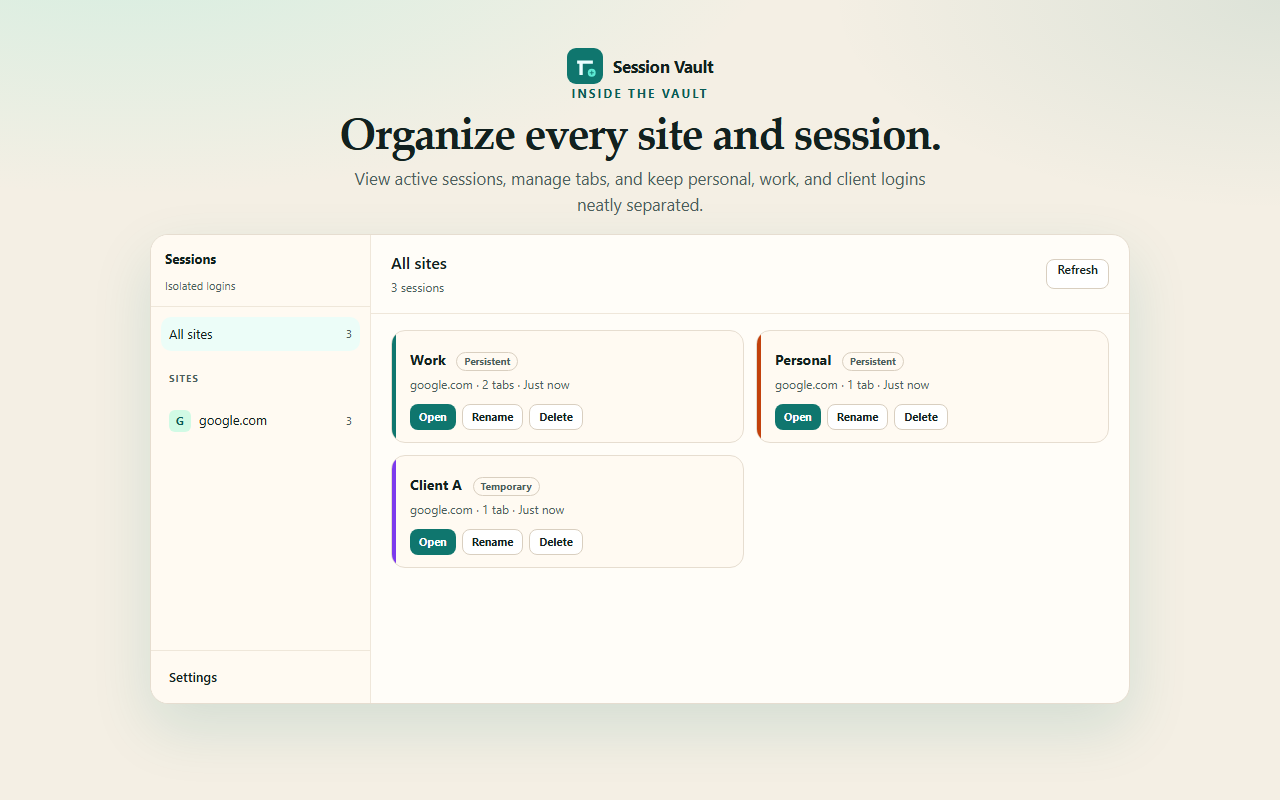
Each session keeps its own jar. Click a row later to open another tab of it.
Product
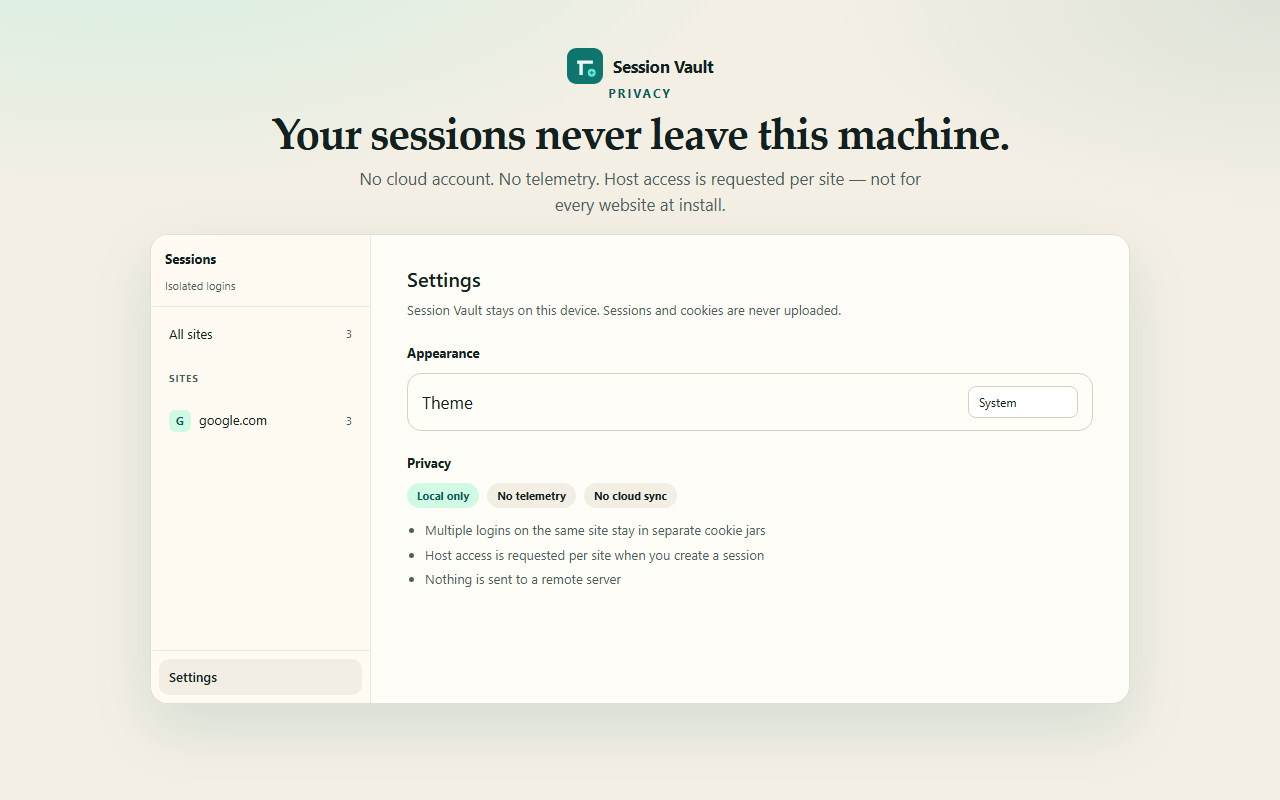
Bind the current tab, browse every session, or confirm that nothing is uploaded. These are the same frames used for the Chrome Web Store listing.
Inside the vault
HTTP cookies live in IndexedDB on this device. Declarative Net Request sets the request Cookie header for that tab only, and strips native Set-Cookie so Chrome’s shared jar does not mix accounts.
Unbound, degraded, or unrecoverable tabs get no authentication cookies. A logged-out page is the safe outcome. Cross-session leakage is treated as a defect, not a warning.
Page JavaScript on a managed tab sees that session’s cookies, not Chrome’s shared jar. localStorage, IndexedDB, and Cache Storage are specified and not virtualized yet.
Spin up a disposable login with Alt+Shift+T. When the last tab of that session closes, the jar goes with it.
Be precise
| Session Vault | Tab managers | Chrome profiles | |
|---|---|---|---|
| Job | Isolate logins on one site | Save and restore tab sets | Whole-browser identity |
| Same-site accounts | Yes, in parallel tabs | No | Yes, in another window |
| Data | Local jars only | Tab lists | Separate profile disk |
| Tradeoff | Not a full profile boundary | Does not isolate cookies | Heavy: duplicate setup |
Honesty
Strong for application cookies and document.cookie. Not a second
Chromium profile. Do not imply otherwise in high-assurance work.
Request Cookie headers, native Set-Cookie absorption, and
document.cookie — between sessions, on managed sites.
localStorage, page IndexedDB, Cache Storage, BroadcastChannel, and Web Locks. Specified. Not virtualized in this build.
Existing Service Workers, SharedWorker, the browser HTTP cache, history, bookmarks, Chrome sync, TLS client certs, the password manager, fingerprints, and your IP address.
Keyboard
AltShiftS
Open the popup for the current site.
AltShiftT
New logged-out tab. Jar deleted with the last tab.
Commands
Bind the current tab, or open this page in another session.
Privacy
No product analytics. No cloud account. No remote fonts in the extension. Host access is requested when you isolate a site — not for every website at install. Read the privacy policy and permissions notes.
Install
The Chrome Web Store listing is not published yet. This is a development build: cookie isolation is in, page-storage virtualization is not. Build locally, then load the folder in chrome://extensions with Developer mode on.
.output/chrome-mv3git clone https://github.com/Mohpfd96/session-vault.git
cd session-vault
pnpm install
pnpm build